NSP Scholarship Renewal Application Rejected – Step-by-Step Fix
- Jan 27
- 3 min read
Introduction
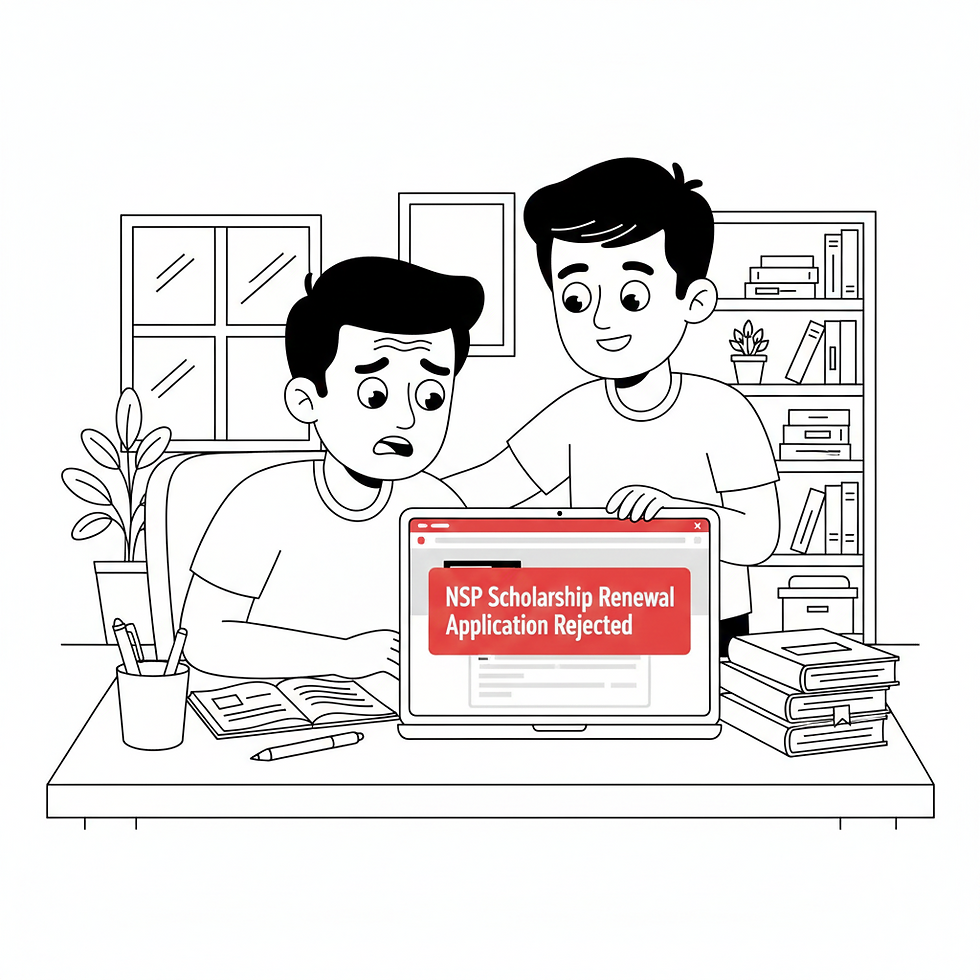
If your NSP Scholarship Renewal Application Rejected status is showing on the National Scholarship Portal, you are not alone. Every year, thousands of renewal applications get rejected due to small but critical errors such as document mismatch, Aadhaar seeding issues, or academic details not matching previous records. The good news is that most of these problems are completely fixable.
This detailed guide explains why the NSP Scholarship Renewal Application is rejected, how to identify the exact reason, and a step‑by‑step fix to ensure your renewal is approved in the next correction window.
Common Reasons Why NSP Scholarship Renewal Application Rejected
The NSP scholarship renewal application is rejected mainly due to verification failures. Below are the most common and officially observed reasons:
Mismatch in Academic DetailsMarks, course name, or institute code does not match last year’s approved application.
Income Certificate IssuesExpired income certificate or income exceeding the scheme limit.
Aadhaar Not Seeded with Bank AccountPayment verification fails if Aadhaar is not linked with the student’s bank account.
Bank Account ErrorsWrong IFSC code, inactive account, or non‑DBT enabled account.
Institution Verification FailureInstitute did not verify or rejected the renewal due to attendance or academic performance.
Duplicate or Incomplete DocumentsUploading last year’s documents again instead of updated ones.
Step‑by‑Step Fix for NSP Scholarship Renewal Application Rejected
Step 1: Login to NSP Portal
Visit the official NSP website:https://scholarships.gov.in
Login using your Application ID and Password.
Step 2: Check Rejection Reason Carefully
After login:
Go to “Application Status”
Click on “View Rejection Reason”
This message tells you exactly why your NSP Scholarship Renewal Application was rejected.
Step 3: Correct Academic Details
Ensure marks match your latest marksheet
Course name, year, and institute must be identical to official records
Upload a clear, readable marksheet
Step 4: Upload Fresh and Valid Documents
Replace rejected documents with updated ones:
Current year Income Certificate
Latest Bonafide Certificate
Updated Fee Receipt
Avoid uploading blurred or expired documents.
Step 5: Fix Aadhaar and Bank Seeding Issue
Link Aadhaar with your bank account
Ensure the account is DBT enabled
Name on NSP, Aadhaar, and bank must match
You can verify Aadhaar‑bank linkage at:https://resident.uidai.gov.in/bank-mapper
Step 6: Contact Your Institute Verification Officer
If your institute rejected the application:
Visit the scholarship nodal office
Ask for the exact verification issue
Request re‑verification after correction
Institution approval is mandatory for renewal.
Step 7: Resubmit During Correction Window
Once corrections are done:
Click “Final Submit”
Download acknowledgment receipt
Do not wait until the last date.
What If NSP Scholarship Renewal Application Is Rejected Again?
If your NSP Scholarship Renewal Application is rejected again:
Use the Grievance Redressal option on NSP
Submit a grievance with supporting documents
Official grievance portal:https://scholarships.gov.in/grievance
Important Tips to Avoid Rejection Next Time
Always use fresh documents for renewal
Match details with last year’s approved application
Keep bank account active until payment is received
Regularly check NSP portal for updates
Frequently Asked Questions (FAQ)
Q1:Can a rejected NSP renewal application be corrected?
Yes, most rejected NSP scholarship renewal applications can be corrected and resubmitted during the correction period.
Q2:Does rejection mean scholarship is permanently cancelled?
No. Rejection usually means verification failure, not permanent cancellation.
Q3:How long does re‑verification take?
After correction, verification may take 15–45 days depending on institute and ministry.
Call to Action
If your NSP Scholarship Renewal Application Rejected status is blocking your scholarship, act immediately. Login to the NSP portal, correct errors, and coordinate with your institute before deadlines.
Check official updates here:https://scholarships.gov.in


Comments