NSP Scholarship Status Updated but PFMS Not Updated – Why the Mismatch?
- Feb 17
- 3 min read
Introduction
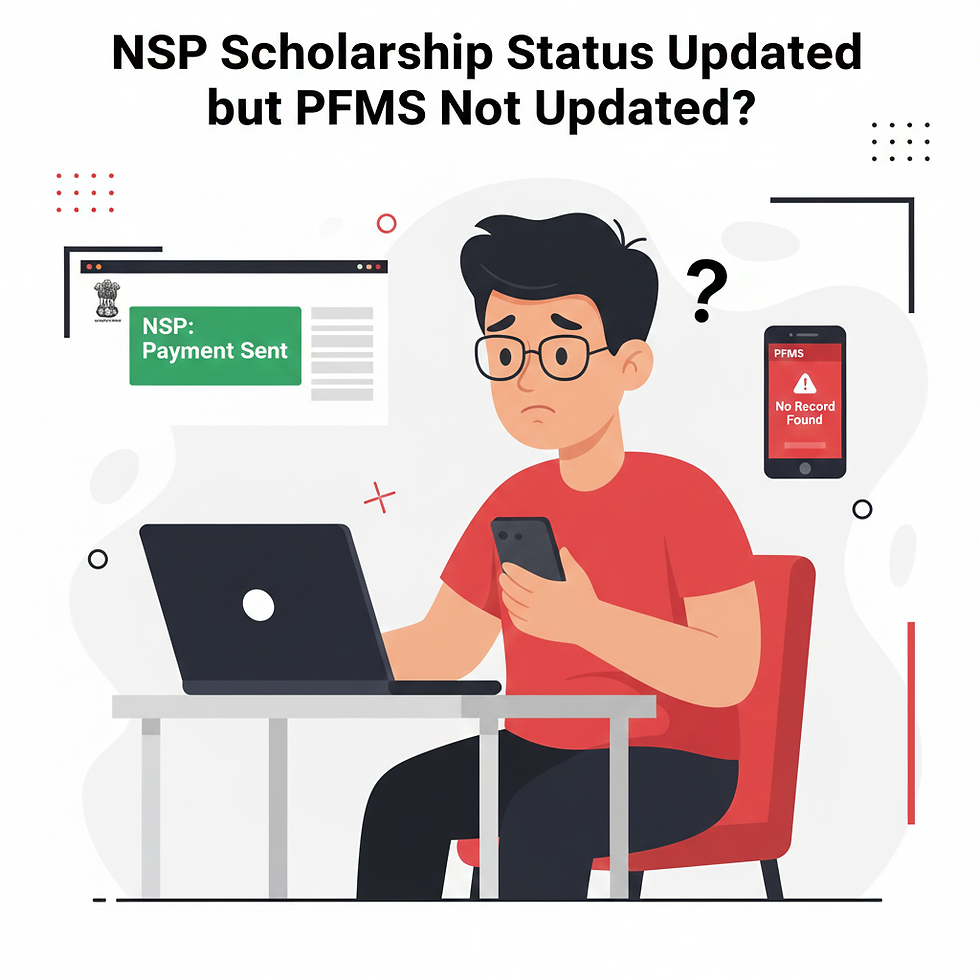
Many students applying through the National Scholarship Portal often face a confusing situation where the NSP scholarship status updated but PFMS not updated.
On NSP, the status shows “Payment Sent to PFMS” or “Processed for Payment,” but when checking on the Public Financial Management System portal, no record appears.
If you are facing this mismatch, do not panic. In most cases, this is a temporary technical delay. In this detailed guide, we explain why this happens, how long it takes to update, and what you should do next.
What Does “NSP Scholarship Status Updated but PFMS Not Updated” Mean?
When your NSP dashboard shows:
“Payment Processed”
“Sent to PFMS”
“Payment Generated”
But PFMS shows:
No record found
Awaiting processing
Data not available
This means your payment file has been forwarded from NSP to PFMS, but PFMS has not yet reflected or processed the transaction.
Why NSP Scholarship Status Updated but PFMS Not Updated Happens
Here are the most common reasons:
1. Data Sync Delay Between NSP and PFMS
The National Scholarship Portal and Public Financial Management System operate on different servers.
After NSP marks the payment as processed, the batch file is transferred to PFMS. This synchronization may take 24–72 hours or sometimes 5–10 working days during peak periods.
2. Payment Batch Processing
Scholarship payments are processed in bulk. If your application is in a later batch, PFMS may update after other students.
3. Bank Account Verification Pending
If your bank account is:
Not Aadhaar seeded
Name mismatch
Dormant
Recently updated
PFMS may delay showing your status.
4. Financial Year Closing Delays
During March–April (financial year closing in India), government systems process heavy volumes. This commonly causes the NSP scholarship status updated but PFMS not updated issue.
5. Technical Maintenance
Occasionally, PFMS servers undergo maintenance, temporarily hiding transaction details.
How Long Does PFMS Take to Update After NSP Status?
Typical timeline:
Normal period: 2–5 working days
Peak season: 7–15 working days
Financial year closing: Up to 30 days
If PFMS is not updated even after 15 working days, then action may be required.
How to Check NSP and PFMS Status Properly
Step 1: Check NSP Status
Visit the official NSP website:https://scholarships.gov.in
Login and verify whether it says “Payment Sent to PFMS”.
Step 2: Check PFMS Status
Visit PFMS Direct Benefit Transfer portal:https://pfms.nic.in
Go to:Know Your Payments → Enter Bank Account Number and Bank Name
What to Do If NSP Scholarship Status Updated but PFMS Not Updated for More Than 10 Days
Follow these steps:
1. Verify Bank Account Details
Ensure:
Account is active
Aadhaar is linked
Name matches NSP application
IFSC code is correct
2. Contact Your Institute
Sometimes institutes delay forwarding final approval.
3. Raise a Grievance on NSP
Use the NSP grievance portal:https://scholarships.gov.in/fresh/newstdregfrmInstruction
4. Contact PFMS Helpdesk
PFMS Helpdesk:Email: pfmshelpdesk@gov.inHelpline: 1800-118-111
Is Payment Stopped If PFMS Is Not Updated?
No. In most cases, the NSP scholarship status updated but PFMS not updated issue is temporary.
Payment is rarely cancelled unless:
Bank account is invalid
Account is frozen
Application was rejected later
Real Example Scenario
Rahul’s NSP dashboard showed “Payment Processed” on 10 February.
PFMS showed “No Record Found” for 6 days.
On 17 February, PFMS updated to “Payment Under Process.”
On 20 February, amount credited to bank account.
This is a typical cycle.
Frequently Asked Questions (FAQ)
Q1:Why is PFMS showing no record after NSP updated?
Because the payment batch may still be syncing.
Q2:Can NSP status be wrong?
Rarely. If it shows “Sent to PFMS,” the file has been transferred.
Q3:How do I know payment is credited?
Check:
Bank SMS alerts
Bank passbook entry
PFMS “Payment Success” status


Comments